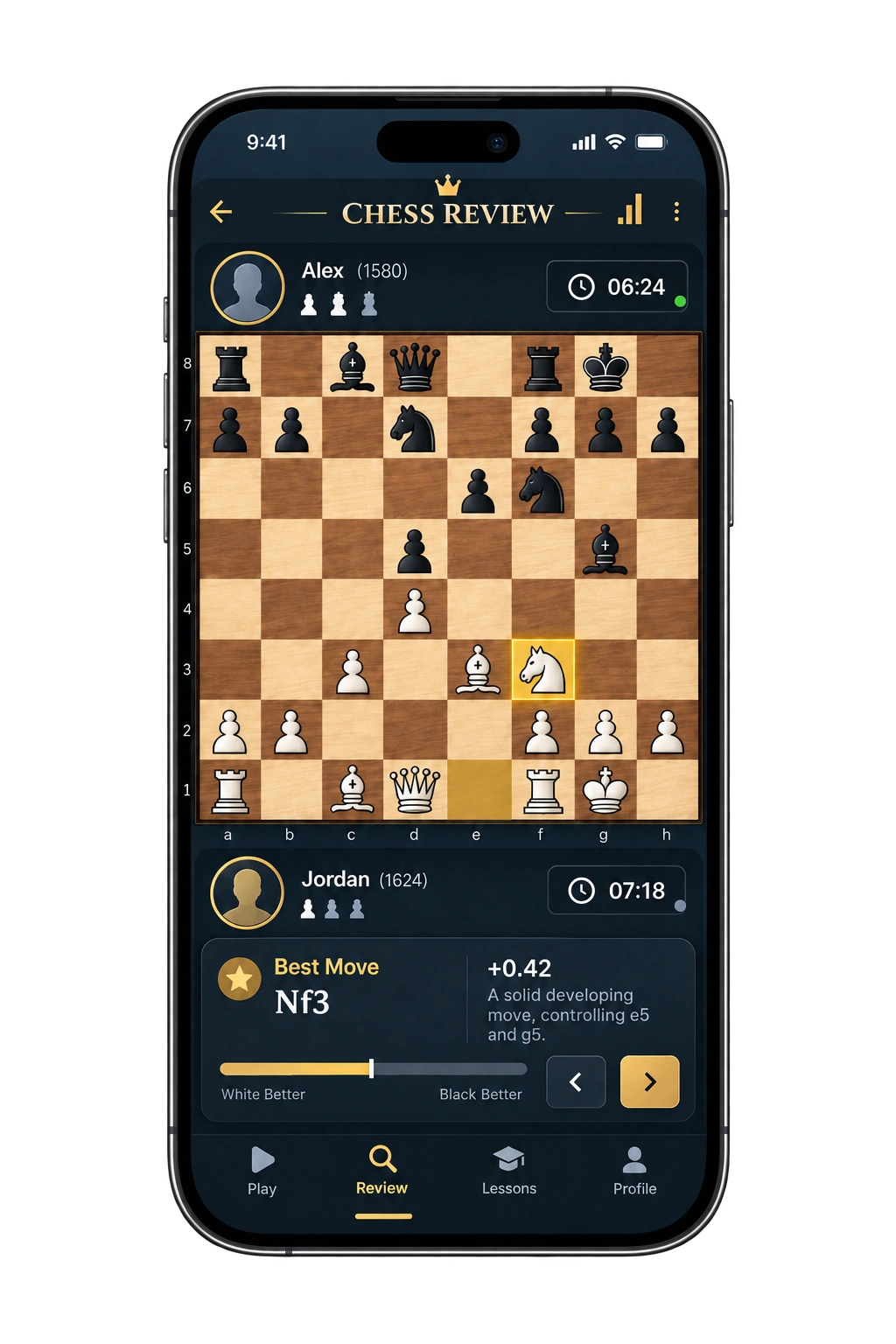
CHESSTIER MOBILE COMING SOON
Your reviews, ready for the road.
A companion app for opening your ChessTier reports when you are away from your desk.
CHESSTIER REVIEW DESK

CHESSTIER MOBILE COMING SOON
A companion app for opening your ChessTier reports when you are away from your desk.
Choose a source on the right. Your game loads here instantly.
GAME IMPORT
Uses the official public Chess.com Published Data API. Recent standard games only.
RECENT GAMES
INDEXEDDB · THIS DEVICE
No saved reports yet.
CHESSTIER GAME REVIEW GUIDE
A finished chess game can teach you far more than its final result. The critical lesson may be hidden in a quiet positional decision, a missed tactical chance, or one inaccurate move that changed the evaluation. ChessTier turns those moments into a clear game review that you can study at your own pace. Import a recent game from Chess.com or Lichess, or paste a standard PGN, and receive a detailed report without needing to sign up.
The analysis is powered by the Stockfish chess engine and runs in your browser. Instead of showing only a raw number, ChessTier connects the engine evaluation to the moves played on the board. You can review the game move by move, check the suggested continuation, identify turning points, and see where a safer or stronger choice was available. The goal is not simply to label a move as good or bad. It is to help you understand what changed and what you can improve in your next game.
ChessTier is designed for players who want an easy chess analyzer rather than a complicated professional interface. It works as a chess analysis board, chess game analyzer, and practical learning report in one place. Whether you play bullet, blitz, rapid, or classical games, you can use the same simple workflow on desktop or mobile.
You do not need to connect an account or share a password. Choose the source that matches where your game was played:
This makes ChessTier useful as a Chess.com analysis tool, a Lichess analysis companion, and a PGN review board. Public game imports use the platforms' available game data; they never require your Chess.com or Lichess password. Developers and curious players can read more about public game access in the official Chess.com PubAPI guide and the Lichess API guidance.

A useful chess review should answer three questions: where did the game change, why did it change, and what should you consider next time? ChessTier organizes the engine output around those questions.
Each move is compared with the engine's preferred continuation from the same position. Clear classifications help separate strong decisions from inaccuracies, mistakes, and blunders. This breakdown makes it easier to find the few moves worth studying instead of replaying the whole game without direction.
Your report includes an accuracy estimate and centipawn-loss information. These measurements summarize how closely the played moves followed strong engine choices, but they should be read in context. A lower score does not mean every move was poor, and a high score does not prove the game was perfect. Forced moves, tactical positions, and already winning or losing positions can affect how numerical evaluations feel in practice.
The evaluation view shows how the balance changed throughout the game. A sudden swing often reveals a missed tactic, an exposed king, a hanging piece, or a lost chance to simplify. Smaller changes can reveal strategic issues such as a weak pawn, an inactive piece, or a badly timed exchange. By stepping through those moments on the chess board analyzer, you can connect the graph to the actual position.
When you want to know the next best chess move, the report shows Stockfish's preferred option and a principal variation. This is more useful than a stand-alone best move calculator because you can compare the suggestion with what happened in the game. Use the line as a starting point: replay it, test your opponent's alternatives, and look for the tactical or positional idea behind it.
When opening data is available in the imported game, ChessTier displays it as part of the report. This helps you see where familiar theory ended and where independent decisions began. Opening identification is useful, but it should not replace analysis. A standard opening move can still lead to a position you do not understand, while an unusual move may remain completely playable.
A chess engine can calculate far beyond what most players can reproduce at the board. The best review method is therefore selective. Start by replaying the game without the engine and mark the positions where you felt unsure. Then open the analysis and compare your thoughts with the report.
This routine is effective because it combines human reasoning with engine verification. If you ask only “what move next?”, a chess move calculator may provide an answer but not a lesson. If you first explain your own candidate move, then compare it with the Stockfish line, you build a process that transfers to future positions.
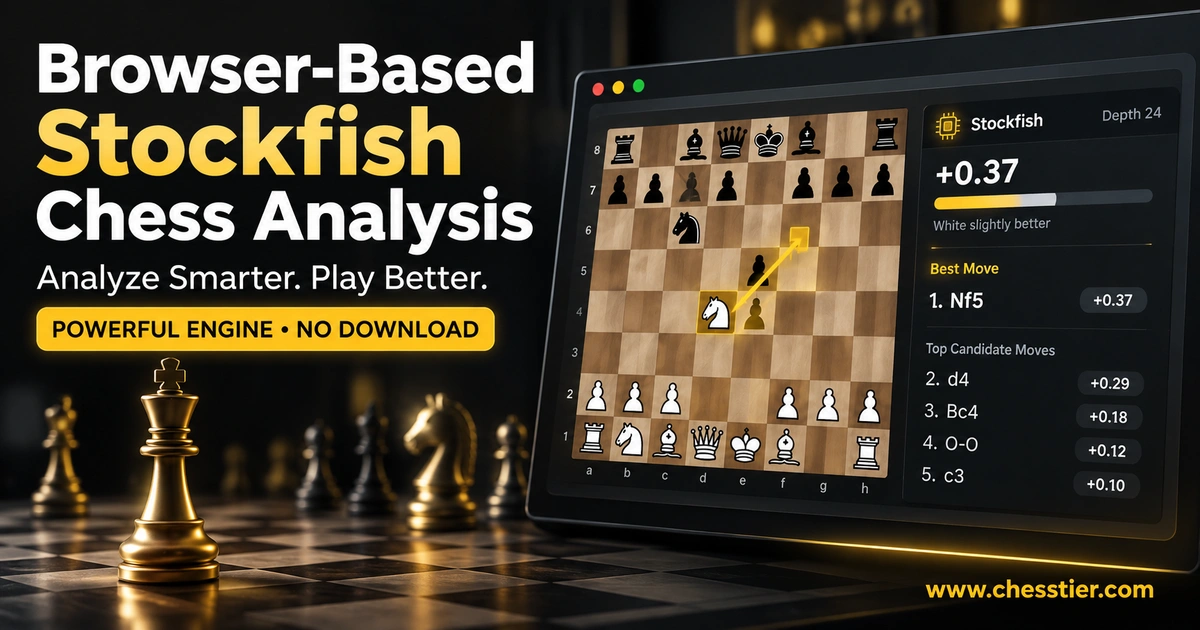
Stockfish is a powerful open-source chess engine used for position analysis and computer chess research. ChessTier runs an engine build locally in the browser, so the calculation happens on your device rather than waiting in a shared server queue. You can learn more about the project on the official Stockfish website.
A browser-based chess engine online offers practical benefits. The board remains responsive while analysis runs in a dedicated worker, progress can be cancelled, and your PGN does not need to be uploaded simply to calculate moves. Performance still depends on the device, browser, position, and selected depth. A modern desktop may finish a report faster than an older phone, and a complex middlegame may require more work than a simple endgame.
Engine scores are estimates, not universal truths written in plain language. A positive evaluation generally favors White and a negative one favors Black, while a mate score indicates a forced mating line under the engine's calculation. Small numerical differences between two playable moves are often less important to a human player than understanding the plan, king safety, and tactical risks.
Players use several names for similar tools: chess solver, chess calculator, position analyzer, chess move generator, next chess move tool, and best move chess calculator. They overlap, but they are not always the same.
ChessTier focuses on complete game analysis while giving you an interactive board for individual positions. That means you can check a best next chess move, explore a missed continuation, and then return to the full report without switching tools. It is especially helpful when a single engine recommendation looks strange: play the line forward and the reason often becomes visible.
Searches such as “chess helper,” “chess AI,” “chess board cheat,” or “chess game cheat” can describe very different intentions. ChessTier is built for analyzing completed games and practicing positions. It must not be used to obtain engine moves during a live match where outside assistance is prohibited.
Using a chess bot or Stockfish during an active rated game can violate fair-play rules and harm other players' experience. The productive approach is simple: play the game independently, finish it, and analyze it afterward. Post-game review helps you improve calculation, pattern recognition, and decision-making without becoming dependent on a chess AI helper at the board.
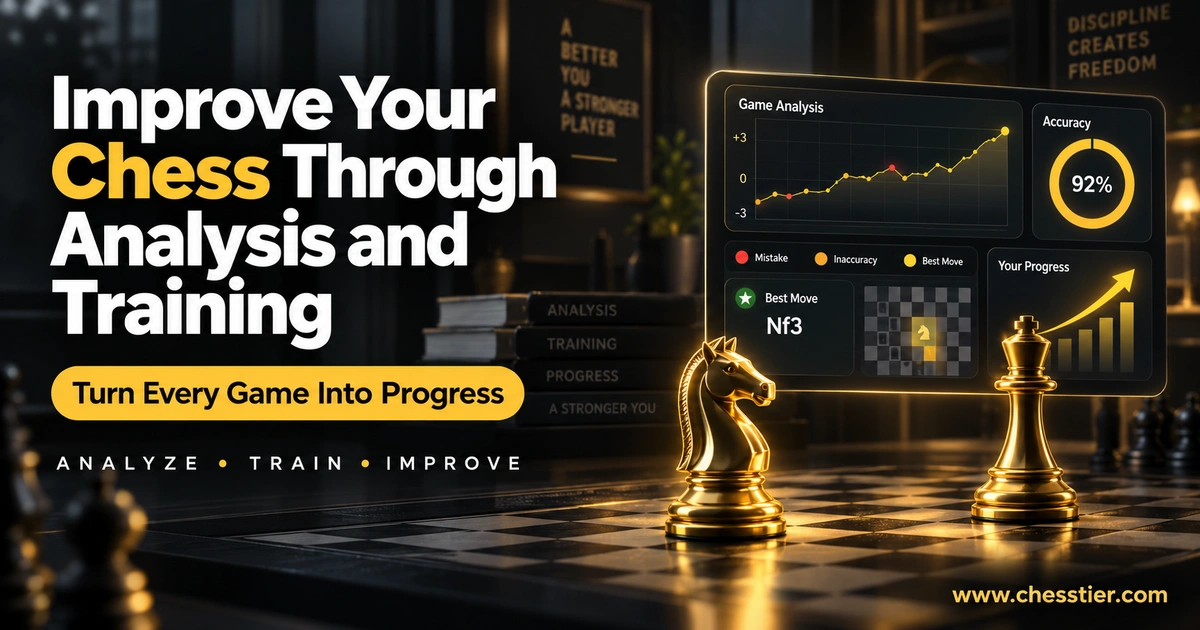
The biggest improvement does not come from collecting reports. It comes from recognizing the same idea the next time it appears. After every review, choose one or two positions and answer these questions:
Then replay the position without the evaluation visible. Try to find the idea again from memory. You can also use Spar for a training game against the bot, then bring the new game back into the analyzer. Players who want additional plan options can compare the available features on the ChessTier pricing page.
ChessTier works in a modern browser, so there is no separate program to install. On desktop, the larger screen is useful for reading variations and comparing engine lines. On a phone or tablet, the responsive layout keeps the board, moves, and report accessible for a quick review after a game.
Because analysis uses your device's processing power, battery use and speed can vary. For longer games, a desktop or laptop generally provides the most comfortable experience. On mobile, keeping the analysis depth practical can produce a faster result while still revealing major mistakes and turning points.
Yes. You can begin a chess analysis and review supported games without creating an account. If you need additional options, visit the pricing page for the current plans and their exact limits.
No signup is required to start the core review flow. Choose Chess.com, Lichess, or PGN, select a game, and begin the analysis. Features that involve additional services may have their own clearly displayed requirements.
You can enter a public Chess.com username in ChessTier, choose an available recent game, and analyze it here. This is an independent Chess.com game analysis workflow; ChessTier is not affiliated with or endorsed by Chess.com.
Yes. Enter a public username to load supported games, then choose one for review. You can also export a game as PGN from Lichess and paste it directly when you prefer manual import.
PGN stands for Portable Game Notation. It is a common text format for recording chess moves and game details such as player names, result, date, and event. A PGN can be copied between many chess websites and programs.
Yes. For analyzed positions, ChessTier can display an engine-recommended move and continuation. Remember that the best chess move is tied to a specific position. If the board changes, the recommendation may change too.
Accuracy estimates the quality of moves in one analyzed game. A chess rating or ranking estimates competitive playing strength across results over time. One strong accuracy score does not automatically predict a rating, and a difficult game can produce a lower score even for an experienced player.
No. ChessTier is intended for completed-game review and personal training, not live engine assistance. During an active game, follow the fair-play rules of the platform or event.
Results can vary with engine version, depth, time, hardware, hash settings, and the method used to calculate accuracy or classify moves. Two Stockfish-based tools may agree on the main idea while displaying different numbers or labels.
No finite analysis should be treated as infallible. More calculation can change the evaluation, especially in complex positions. Engine output is extremely useful, but the best learning comes from combining it with board context and your own explanation of the position.
A puzzle position can be studied when it is provided in a supported game or PGN. For practical improvement, first solve the puzzle without assistance, then use the analysis board to check your line and explore alternatives.
No. ChessTier is an independent chess analysis product with its own interface, reports, and training experience. References to other product names are only for clarity when users compare chess analysis tools.
A good chess analyzer should do more than reveal the move an engine prefers. It should help you locate the decisions that mattered, understand the ideas behind stronger alternatives, and carry one useful lesson into the next game. ChessTier brings game import, Stockfish analysis, move classifications, accuracy, evaluation changes, and an interactive review board into one straightforward workflow.
Start with a recent Chess.com or Lichess game, or paste your PGN. Review the turning points, test the best lines, and focus on a small number of repeatable lessons. The board gives you answers, but the real improvement comes from understanding why those answers work.
A 1-MINUTE WALKTHROUGH
STEP 1 · IMPORT A COMPLETED GAME
Play starts the English voice-over and moves through the guide automatically. Sound is controlled by your browser.